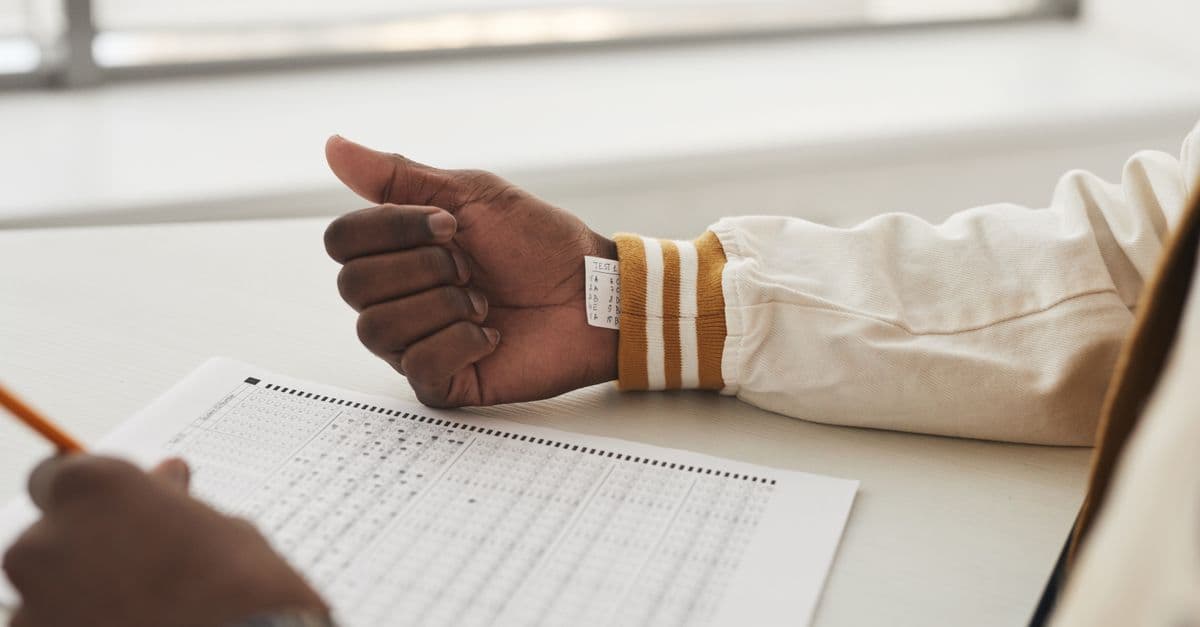
Most candidates practise for the dMAT with some kind of clock within easy reach — a phone propped against a book, a watch on the wrist, a kitchen timer on the desk. On test day all of those are gone. The official rules list wristwatches, smartwatches and fitness watches alongside phones among the items you may not carry, so the only timekeeper you have is the one the test itself shows you on screen. That sounds like a small change, and for a well-prepared candidate it usually is. But pacing is a habit, and habits built around one kind of clock do not always transfer cleanly to another. This article covers what changes when the watch comes off, how to read time in the exam without letting it take over, and how to practise so that the on-screen clock feels ordinary long before you meet it for real.
What actually changes when the watch comes off
The obvious difference is where you look. A glance at your wrist is a reflex that costs almost nothing; a glance at a timer in a corner of the screen is a small shift of attention away from the question in front of you. Neither is expensive on its own, but candidates who are used to checking the time often can find themselves doing it far more on a screen, because the clock is always in their peripheral vision and the reflex has nowhere else to go.
The second difference is the format of the time. A watch tells you the time of day, and many people pace by it: "the module ends at eleven, so I should be past half by ten-fifteen." A test timer typically shows something else — time remaining, or time elapsed, for whatever section you are in. If your practice pacing is anchored to clock times, you will need to translate it on the day, and translation under pressure is exactly the kind of avoidable effort that costs marks. How the timer is displayed, and whether it runs per subtest or per module, is something to confirm in the official technical introduction rather than assume. Our guide to using the official preparation materials covers how to work through that introduction properly, and the personalised instructions in your participant portal take precedence over anything you read here.
The third difference is that you cannot set your own alerts. There is no vibration at the halfway point and no alarm you chose. Whatever checkpoints you use have to live in your head.
Pace by checkpoints, not by constant glances
The most reliable way to use a single on-screen clock is to decide in advance when you will look at it, and then mostly not look at it in between. Constant checking does not make you faster; it fragments your attention and tends to produce a low hum of anxiety that slows you down.
A simple approach is to turn your per-question budget into two or three checkpoints for each timed section. If you know roughly how many items you face and how long you have — the syllabus overview and the official materials are the places to confirm both — you can work out where you would like to be at the halfway point and with a few minutes left. Then check the clock at natural seams: when you finish an item, when you move to a new passage or block, or when you make a deliberate decision to skip. Those are moments when your attention is already between tasks, so the glance costs you almost nothing.
When you do look, ask one question only: am I ahead of, on, or behind my checkpoint? If you are on pace, carry on without adjusting anything. If you are behind, the answer is usually not to rush every remaining item but to apply your skip-and-return rule more firmly, as described in our guide to pacing yourself under pressure. If you are well ahead, that is worth knowing too — it is permission to slow down slightly and read more carefully, not a signal to race to the end.
Decide now what the last few minutes are for
The moment a section's remaining time drops low is when candidates without a plan tend to make their worst decisions: abandoning a nearly solved item, flicking between questions without finishing any, or freezing. Settle in advance what you will do when you see that the time is nearly up for the current section. For most people that means finishing the item in front of them if it is close, then making sure nothing is left blank where a reasoned choice is possible. Check the official scoring rules for how unanswered and incorrect items are treated, and let that, rather than a rule of thumb from elsewhere, shape how you handle the final minutes.
Whatever your rule is, make it short enough to remember while nervous. "Finish this one, then fill the gaps with my best elimination" is a usable plan. A paragraph of conditions is not.
Practise with the clock you will actually have
All of this only works if the habit is rehearsed. From the point where your method is steady and you are working against time, change how you time yourself. Take the watch off. Put the phone in another room rather than face down on the desk. Use a single countdown that sits on the screen, roughly where a test timer would, and do not give yourself any other way of knowing the time. The setup in our guide to simulating real exam conditions is the right one to follow.
Then practise the checkpoints themselves. After a timed set, ask how often you looked at the clock and whether those looks happened at seams or in the middle of working. Many candidates are surprised by how often they check. Cutting that number down is a skill that improves quickly once you notice it. A full timed run on the free dMAT practice test is a good place to see your own pattern under realistic load.
Finally, add one line to your test-day preparation: you will not have a watch, and you will not need one. Our test-day checklist covers what else to leave at home. Go in knowing your checkpoints and your plan for the closing minutes, and the on-screen clock becomes just another part of the format — something you look at a few times, deliberately, and then put out of your mind.